
Verify the download source
Check the full website address and installer source independently. Review device updates and unusual permission requests before you begin.
Read the checklist ↗Explore the essentials of local keys, multi-network assets, and transaction reviews. Build a reliable backup routine before you take your next step.
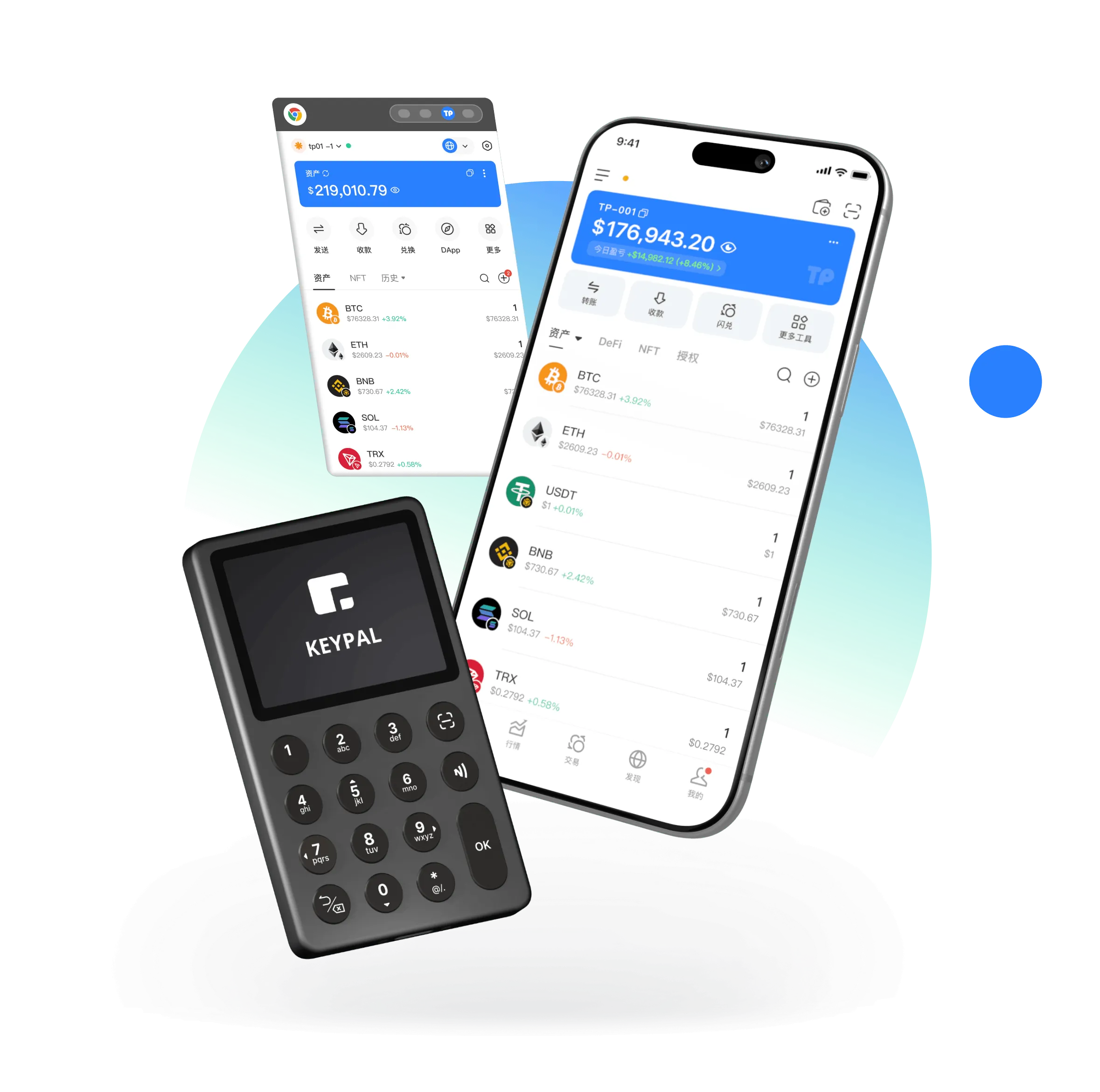
Keep credentials private
Back up before activity
Review network and address
Never share recovery words
Asset names alone cannot tell you whether a transfer will work. Review the relevant network, token details, and fee asset before receiving or sending.
 Learn about multi-chain assets ↗
Small checks help prevent avoidable mistakes.
Check the full website address and installer source independently. Review device updates and unusual permission requests before you begin.
Read the checklist ↗Know the difference between creating new credentials and restoring an existing wallet. Keep sensitive screens out of public view.
Read the checklist ↗Store words in the right order offline. Avoid screenshots, shared clipboard services, and online notes.
Read the checklist ↗Verify the material is complete and plan for device loss or damage. Protect backups from both exposure and accidental loss.
Read the checklist ↗Learn which chain each asset belongs to and what is required for network fees. Sample balances are for illustration only.
Read the checklist ↗Inspect the destination, network, token, amount, and permissions. Stop whenever something does not match your intention.
Read the checklist ↗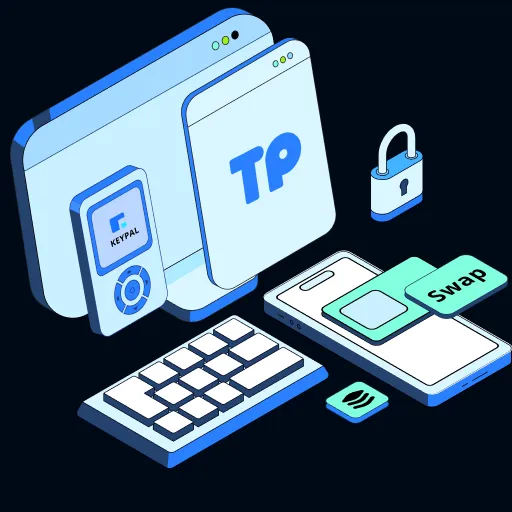
Learn what local credential storage means, then combine it with offline backups, device protection, and careful signing decisions.
Explore the details ↗
Use network, token, and fee context together to avoid treating similar-looking chains as interchangeable.
Explore the details ↗
Check the destination, network, amount, and permissions before authorizing an action. No single checklist can remove all risks.
Explore the details ↗These are educational guides, not claims of live third-party integrations or trading services.
Device changes, backup checks, and phishing awareness require ongoing attention. Prepare for damaged devices, suspicious requests, and address mismatches.

This site explains self-custody concepts. Verify how a particular application stores keys and controls assets in its official documentation.
Checking balances and broadcasting transactions generally require connectivity. Offline backup storage may reduce certain exposures.
Record the words accurately offline, keep them private, and avoid screenshots, chats, and cloud documents.
Private keys authorize actions for associated addresses. Recovery phrases can often recreate sets of keys; both are highly sensitive.
Verify your software source and plan your recovery backup first.
⬇ Download Now